Introduction: From Traditional Automation to Intelligent Business Workflows
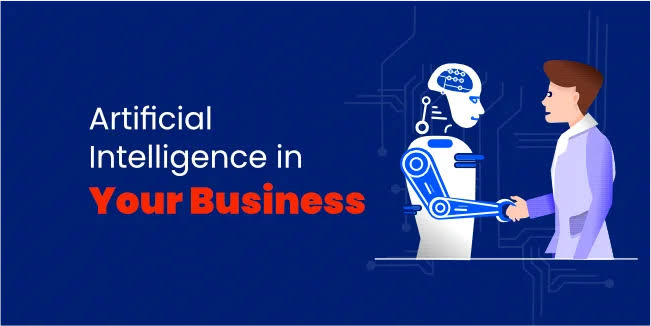
Artificial intelligence is changing more than the way businesses create content or communicate with customers. It is changing how businesses operate.
For years, companies have used software automation to move information between systems, send notifications, update databases and perform repetitive tasks. Traditional automation is highly effective, but it generally depends on predefined rules.
AI automation introduces another layer. Instead of simply following “If X happens, do Y,” an AI-powered workflow can interpret information, understand intent, retrieve relevant knowledge, make a context-aware decision, use business tools and initiate an appropriate action.
That creates a new class of business systems commonly described as AI-powered automation and agentic workflows.
At Albanny Technologies, we design and develop AI-powered automation systems that connect intelligent agents with business processes, data, APIs and the software companies already use.
This guide explains what AI automation is, how it works, where businesses can use it, what AI agents contribute, and what companies should consider before deploying AI automation.
See AI automation in action For a practical implementation, explore the Abby AI WhatsApp agent and the detailed case study showing how an agentic workflow connects conversation, knowledge, memory, business tools and operational follow-through.
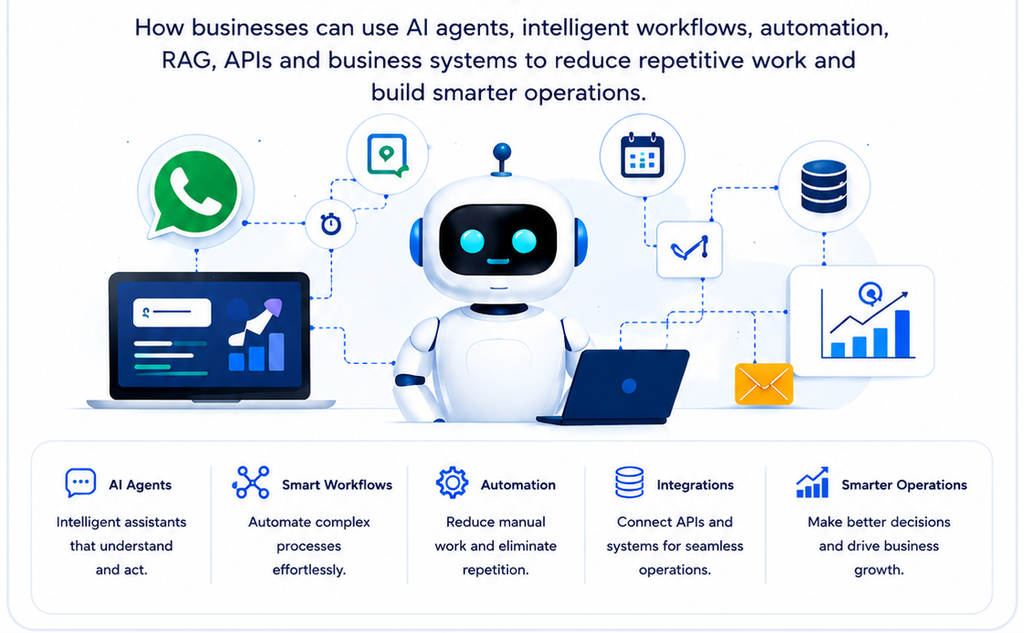
AI automation combines AI interpretation with workflow automation, data, APIs and business systems.
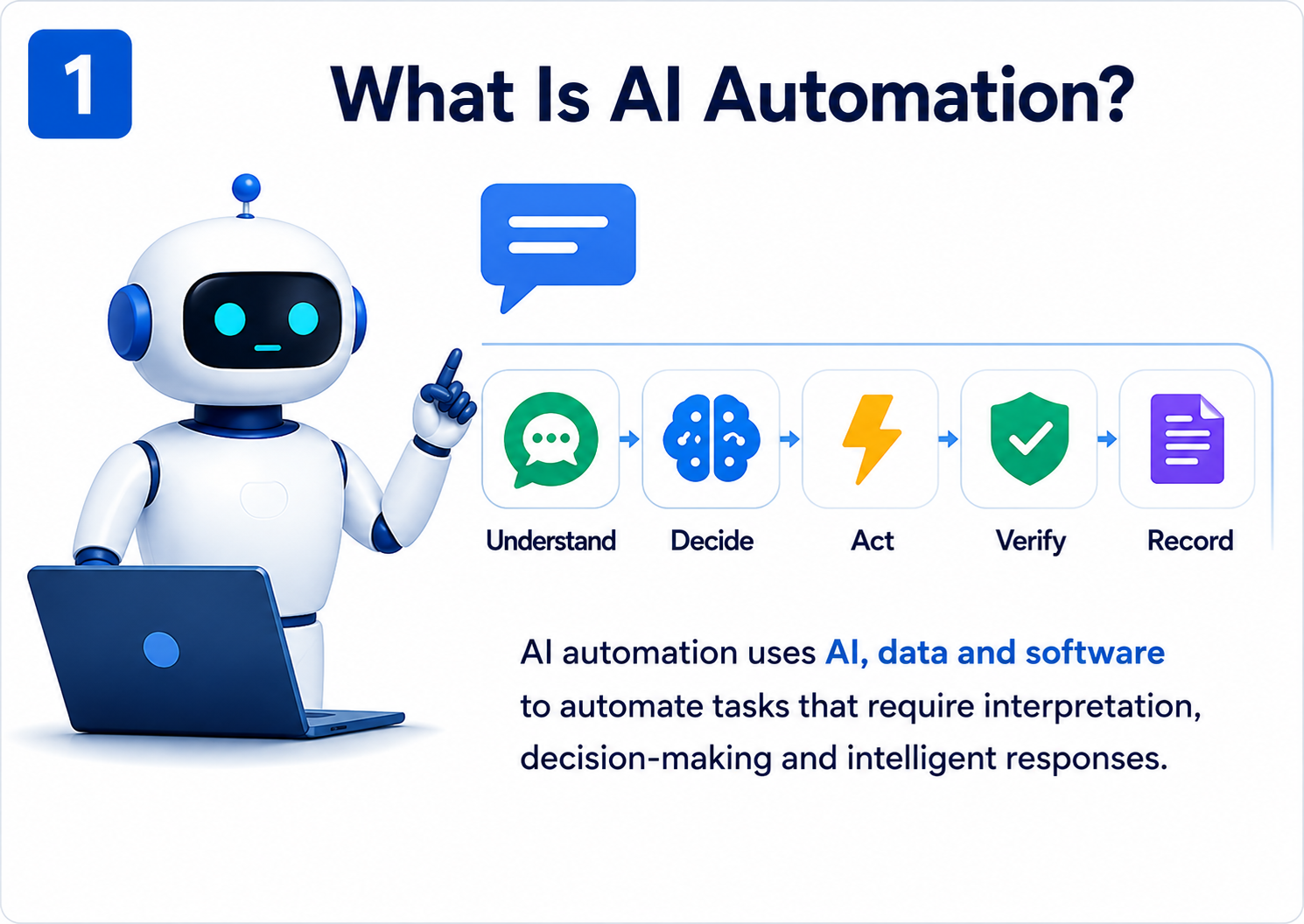
AI automation is the use of artificial intelligence together with workflow automation, business data, software systems and APIs to automate tasks that require interpretation, decision-making or intelligent responses.
How AI Automation Differs From Traditional Automation
Traditional automation primarily executes predefined instructions. In contrast, AI automation can introduce contextual interpretation, allowing a workflow to understand less-structured information and determine the appropriate next step within defined boundaries.
AI Automation Works Alongside Human Oversight
The objective is not to replace deterministic automation. Instead, businesses can combine traditional automation, AI and human oversight, allowing each approach to handle the tasks where it is most useful.
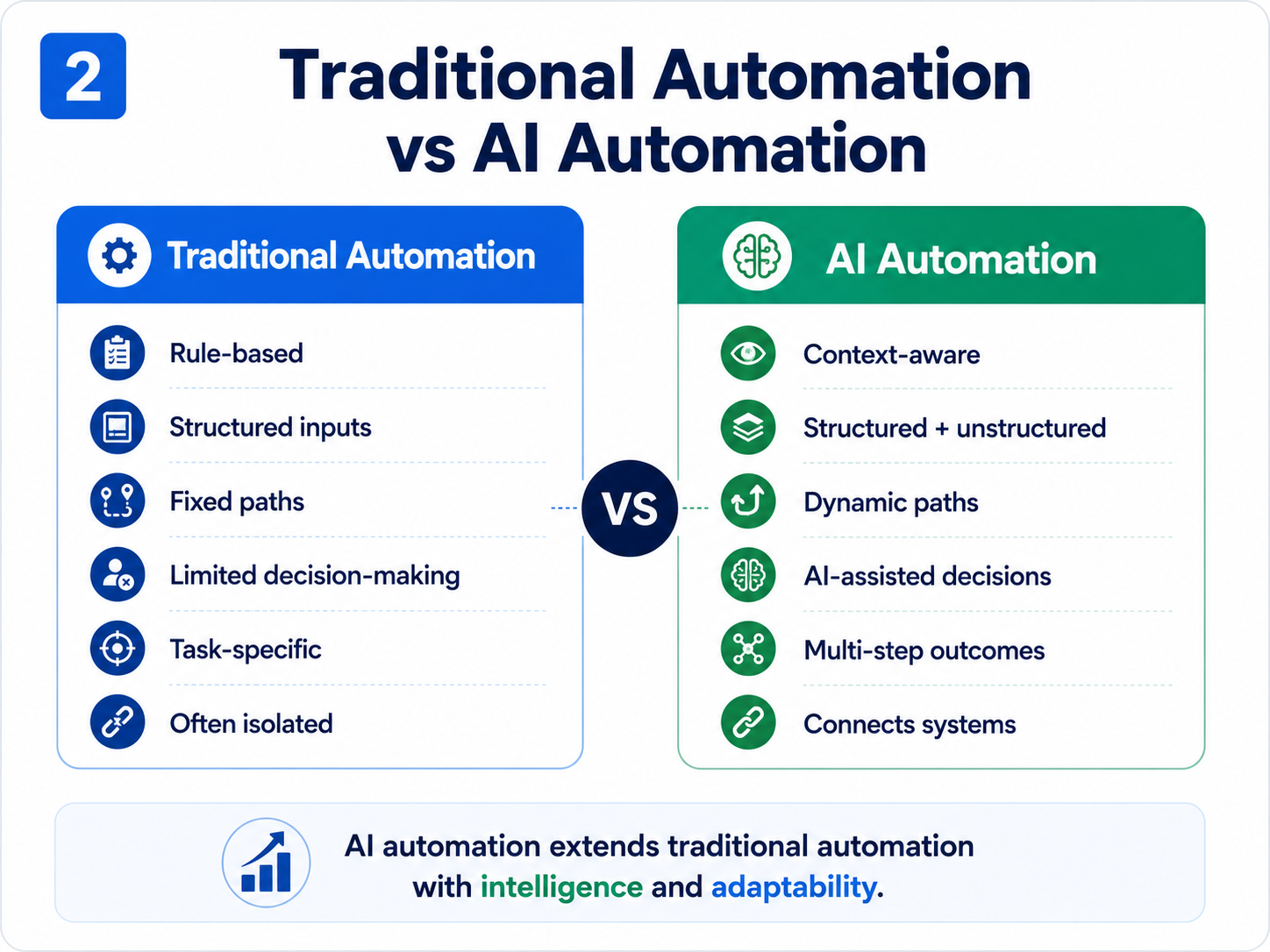
2. Traditional Automation vs AI Automation
Traditional automation is rule-driven; AI automation adds contextual interpretation and dynamic decision-making.
Traditional Automation
AI Automation
Rule-driven
Context-aware
Structured inputs
Structured and unstructured inputs
Predefined paths
Can select an appropriate path
Limited interpretation
Natural-language understanding
Fixed responses
Dynamic responses
Usually task-specific
Can coordinate multiple systems
Limited decision-making
AI-assisted decisions
Often isolated
Connected to business systems
AI automation is not a replacement for traditional automation. It is an extension that allows businesses to automate processes where interpretation and context add value.
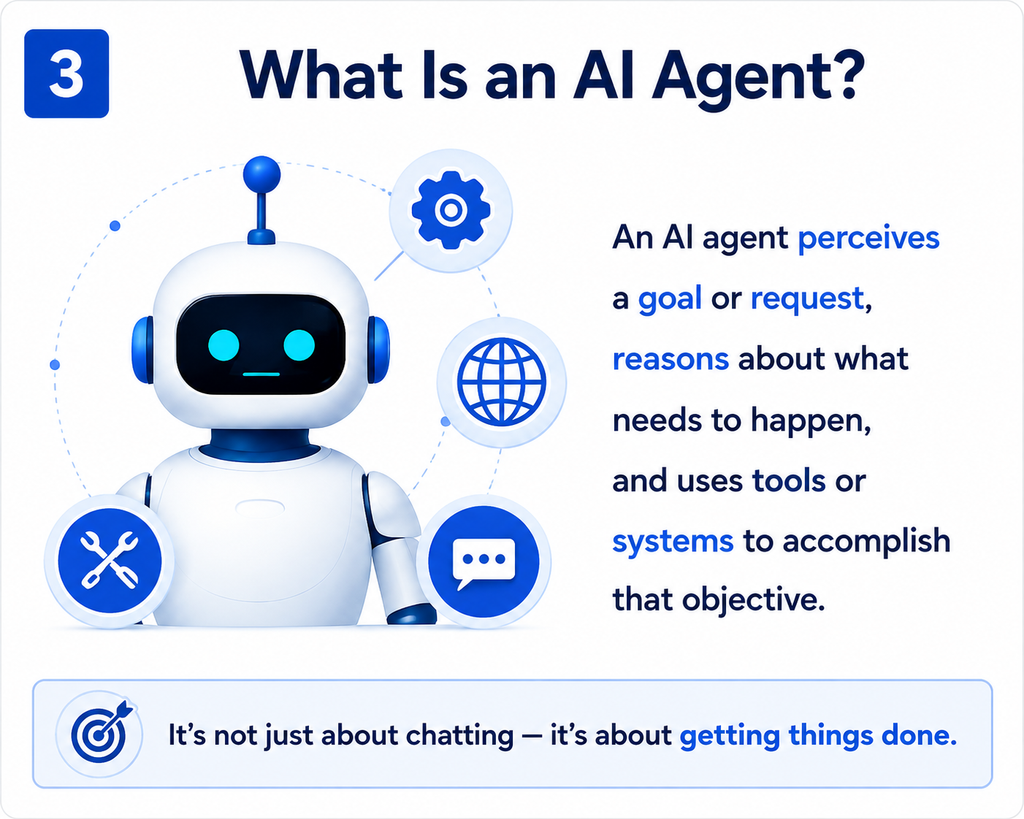
3. What Is an AI Agent?
An AI agent interprets a goal, reasons about the task, uses tools and verifies outcomes.
An AI agent is an AI-powered system that can interpret a goal or request, reason about what needs to happen, and use available tools or systems to accomplish that objective within defined boundaries.
A language model can generate a response. An agentic system adds the surrounding capabilities needed to accomplish a task.
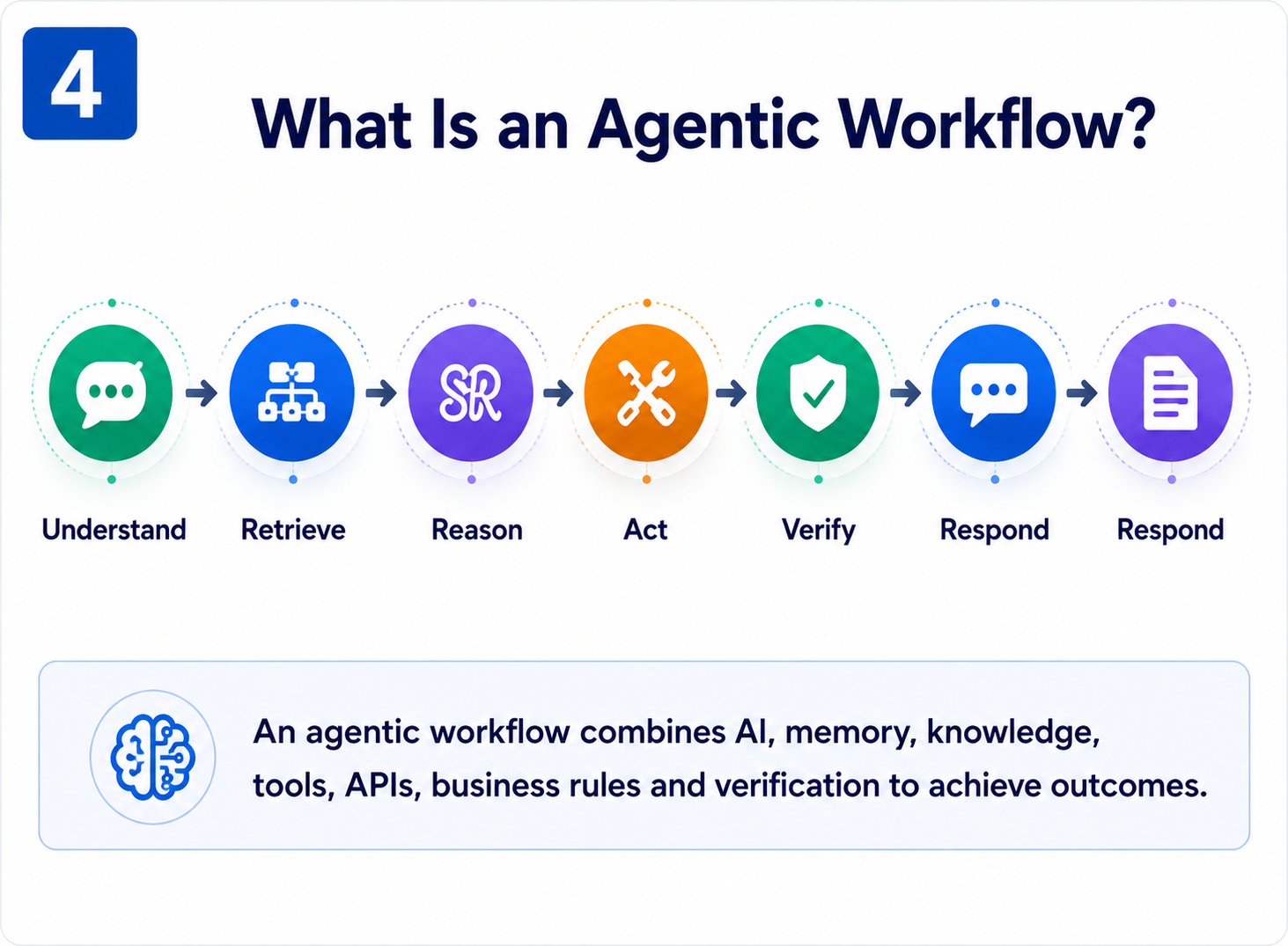
An agentic workflow is a business workflow in which an AI agent can interpret information, make contextual decisions and use tools or systems to accomplish an objective.
A useful model is: Understand → Retrieve → Reason → Act → Verify → Respond → Record.
AI capabilities and model reasoning
Memory and conversational context
Knowledge retrieval such as RAG
Business data and rules
APIs and external tools
Workflow orchestration
Verification and guardrails
Human oversight where required
Observability and logging
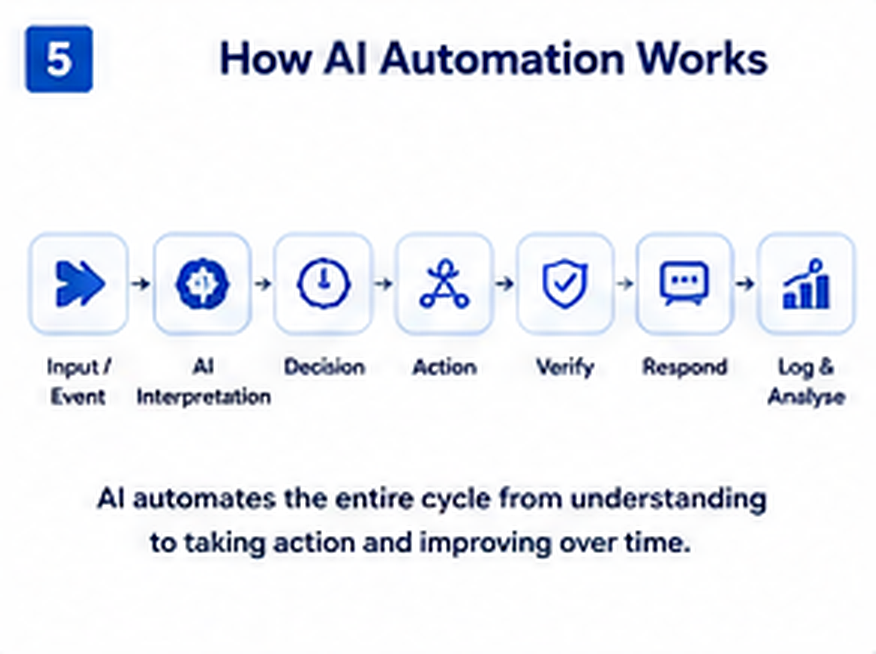
5. How AI Automation Works
A production workflow moves from an event through interpretation, retrieval, decision, execution, verification and analysis.
Input or event — a customer, employee or system triggers the workflow.
AI interpretation — the system identifies intent, entities, context and requirements.
Retrieve information — memory, RAG and business systems provide relevant facts.
Decision and action — the agent selects an appropriate tool or next step.
Verify the result — the source system confirms that the action succeeded.
Respond — the result is communicated through the appropriate channel.
Record and analyse — the interaction and operational outcome are logged for improvement.
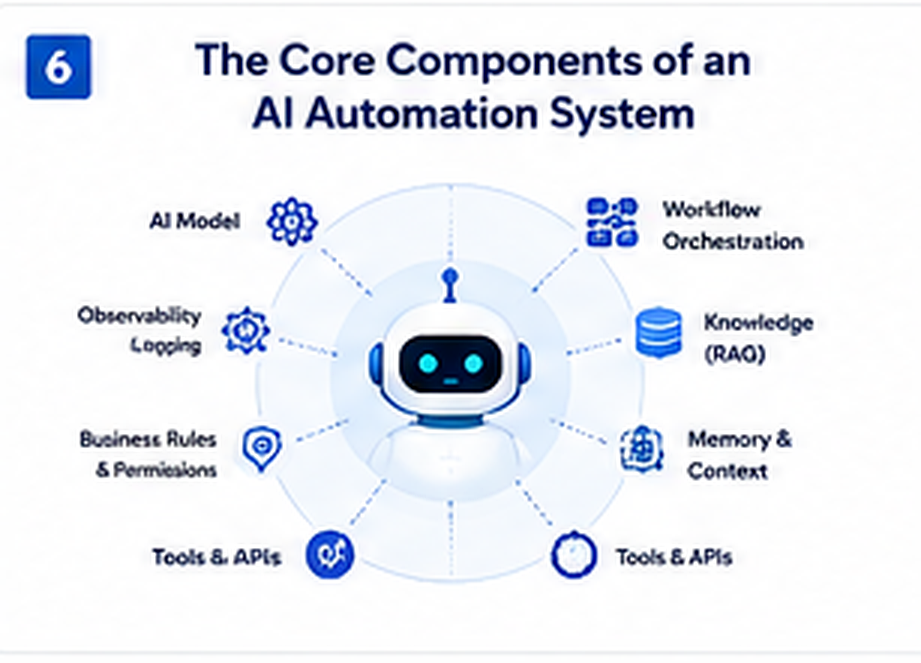
6. The Core Components of an AI Automation
Core architecture components include the AI model, orchestration, RAG, memory, data, tools, rules, verification and observability.
AI model: Provides language understanding, reasoning and generation.
Workflow orchestration: Coordinates triggers, logic, tools, APIs and business systems.
Knowledge retrieval (RAG): Retrieves relevant business information when needed.
Memory and context: Maintains appropriate conversational or task context.
Structured business data: Stores authoritative customer, transaction and operational information.
Tools and APIs: Allow the agent to interact with external systems.
Business rules: Define what the agent can and cannot do.
Verification: Confirms that important actions actually succeeded.
Observability: Logs, monitors and analyses workflow activity.
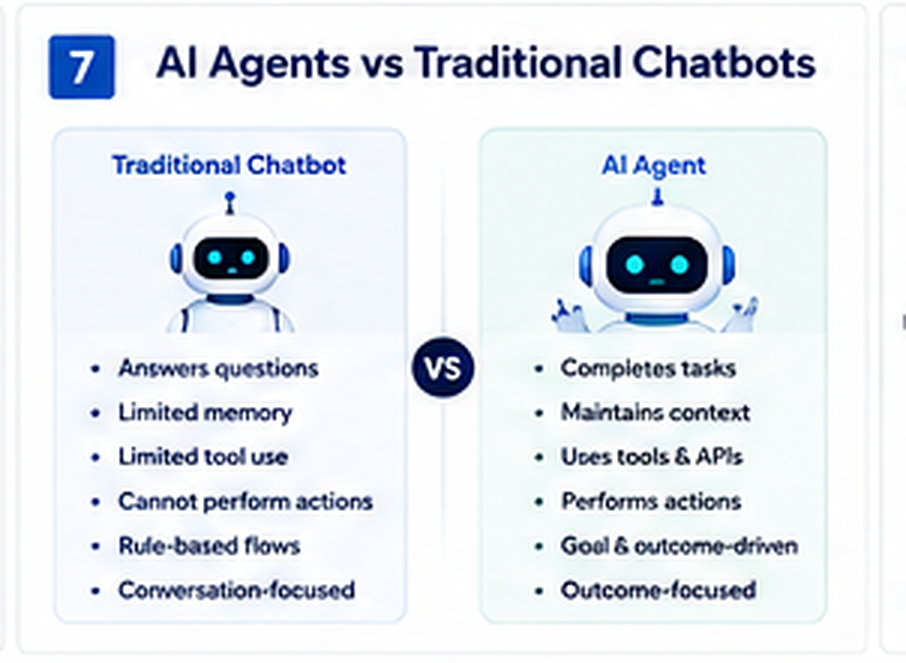
7. AI Agents vs Traditional Chatbots
Chatbots are primarily conversation-focused; agentic workflows are designed around outcomes and controlled actions.
Capability
Traditional Chatbot
AI Agent
Answer questions
Yes
Yes
Understand natural language
Limited–advanced
Advanced
Maintain context
Limited
Yes, when designed
Retrieve business knowledge
Sometimes
Yes
Use tools
Limited
Yes
Call APIs
Limited
Yes
Perform business actions
Limited
Yes
Verify external actions
Usually limited
Can be designed to
Conditional human escalation
Basic
Yes
Connect multiple systems
Limited
Yes
A chatbot is primarily designed to communicate. An agentic workflow is designed to accomplish an outcome.
8. AI Automation,RAG and Business Knowledge
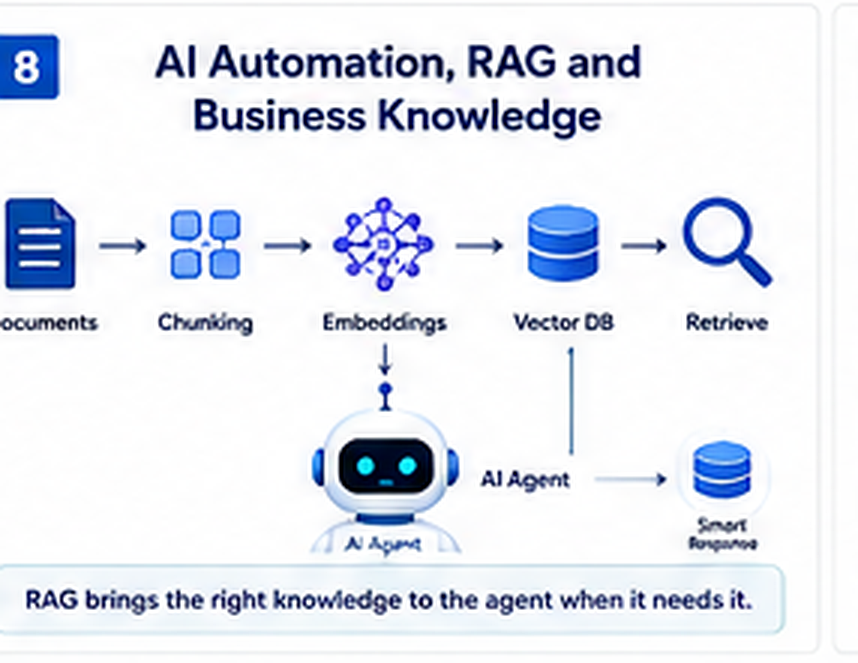
RAG retrieves relevant business knowledge before the AI generates a grounded response.
A language model does not automatically know the latest information about a company. Businesses have their own services, products, policies, procedures, support documentation and internal knowledge.
Retrieval-Augmented Generation (RAG) allows the system to retrieve relevant information from an external knowledge source before generating a response.
Business documents are collected.
Documents are processed and divided into useful chunks.
Content is converted into embeddings.
Embeddings are stored in a vector database.
Relevant information is retrieved for a query.
The AI agent uses the retrieved context to generate a grounded response.
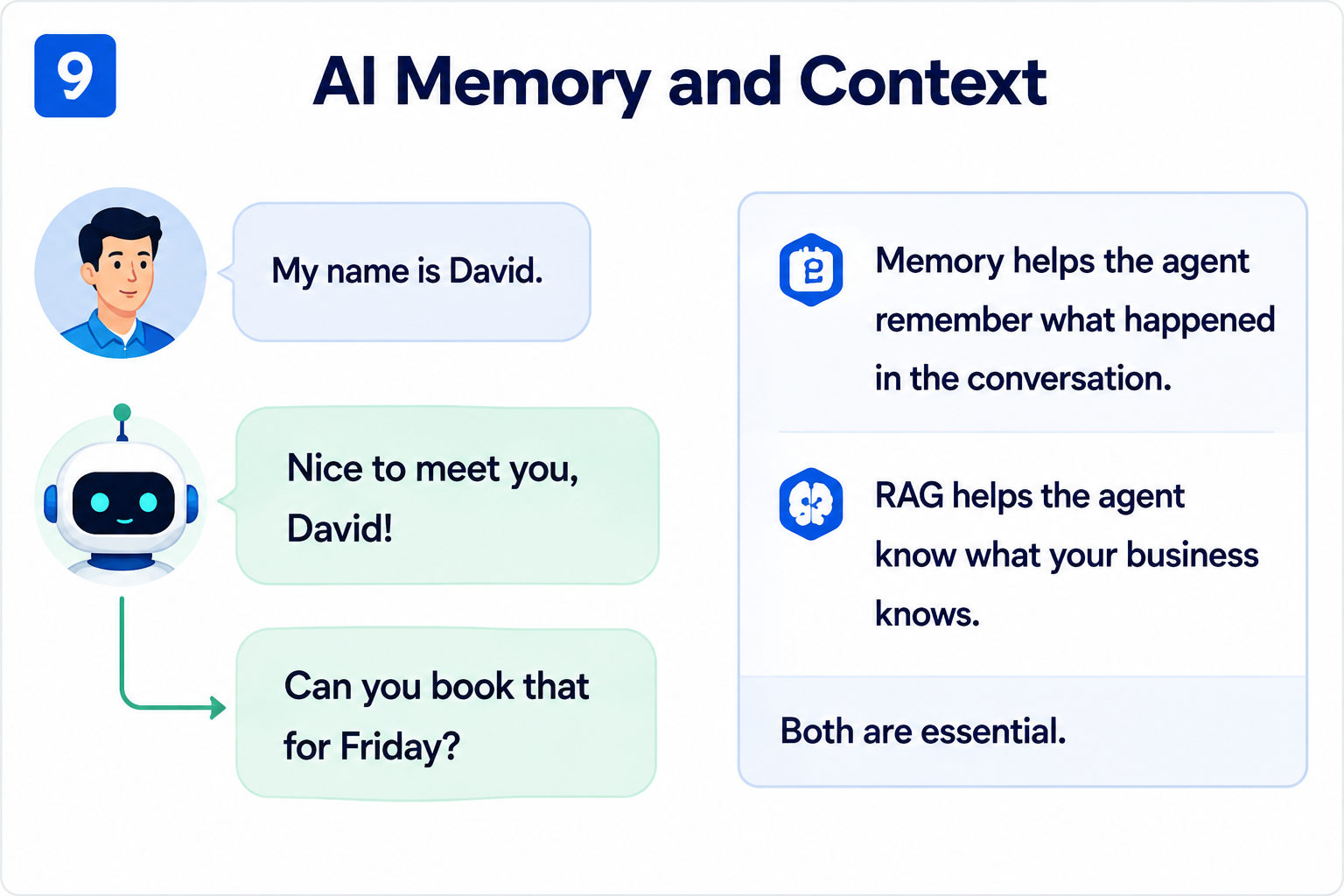
Memory stores conversation context; RAG supplies business knowledge. They solve different problems.
RAG and memory solve different problems.
RAG answers: “What does the business know?”
Memory answers: “What happened during this interaction?”
For example, a customer might tell an agent that they are interested in an e-commerce website. Memory can preserve that conversational context, while RAG can retrieve the company’s current e-commerce services, technologies and policies.
A mature AI automation system should therefore treat knowledge retrieval and conversational memory as related but separate architectural components.
10. Connecting AI Agents to Business Systems
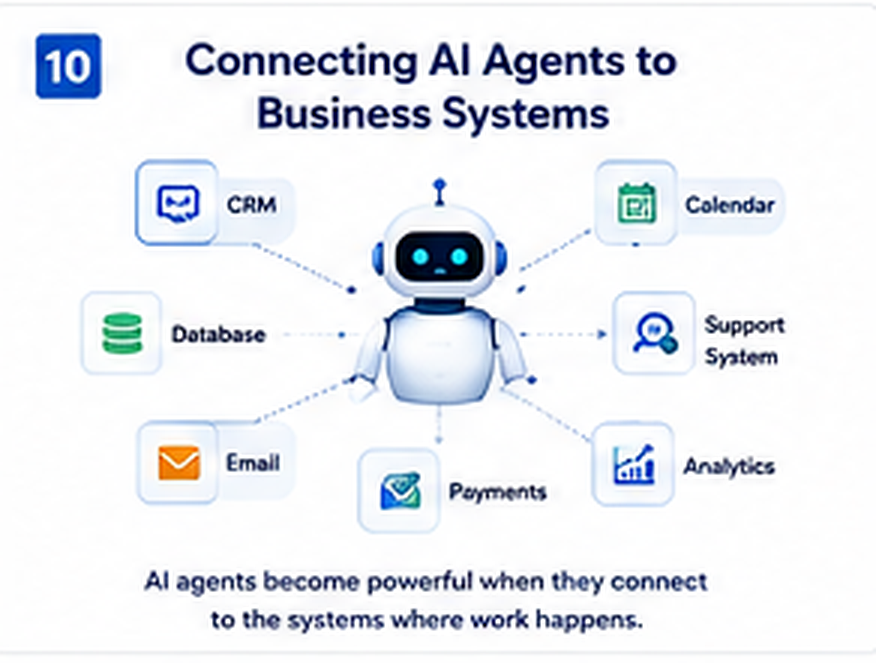
AI becomes more useful when connected to the systems where business activity actually happens.
AI automation becomes commercially useful when the agent can interact with the systems where work actually happens.
CRM: Create, update and qualify customer records.
Calendar: Check availability and schedule appointments.
Database: Retrieve and update structured information.
Support system: Create tickets, retrieve status and escalate issues.
Email: Classify messages, trigger notifications and follow up.
Payment infrastructure: Support controlled payment-related workflows where appropriate.
Analytics: Record and analyse customer and workflow activity.
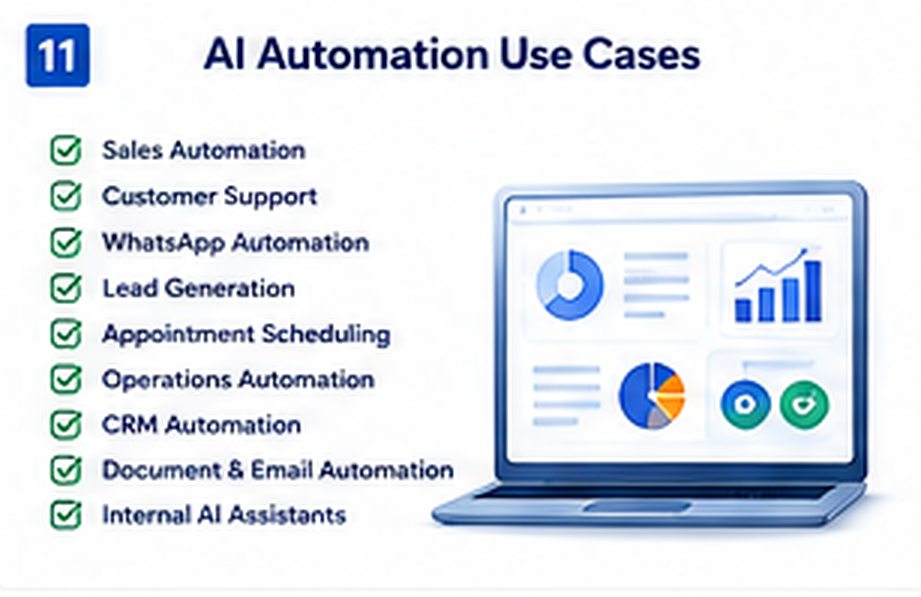
11. AI Automation Use Cases
AI automation can support a wide range of business functions, including sales, customer service, WhatsApp communication, lead generation, appointment scheduling, operations, CRM management and document processing.
More importantly, its applications extend far beyond customer service. Businesses can use AI automation whenever a process involves repetitive tasks, unstructured information, defined business rules, multiple systems or significant manual effort. As a result, AI-powered workflows can help businesses reduce repetitive work, connect disconnected systems and respond to operational needs more efficiently.
AI sales automation
AI customer support
WhatsApp AI automation
AI lead generation and qualification
AI appointment scheduling
AI operations automation
AI CRM automation
AI document and email automation
Internal AI assistants
Business process automation
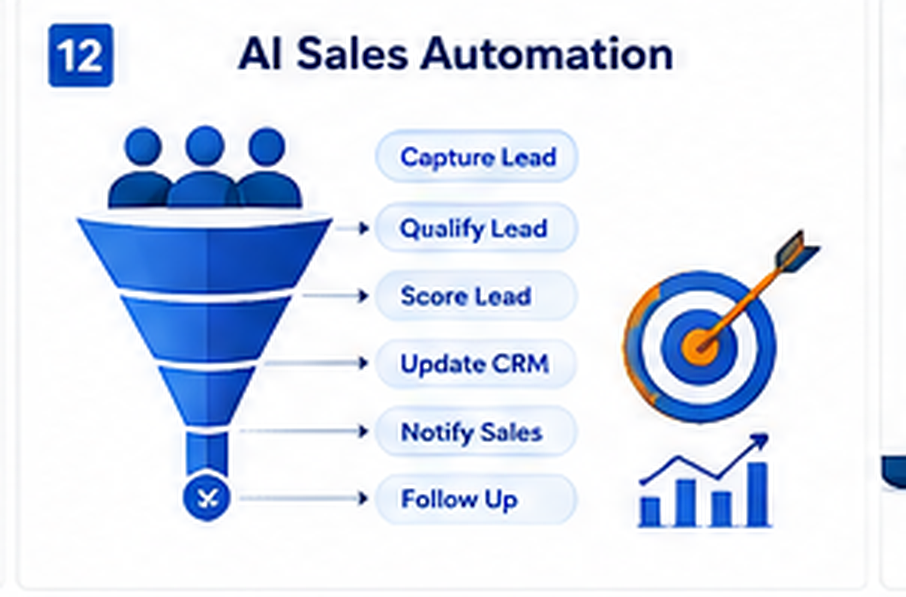
12. AI Sales Automation
Sales teams spend significant time responding to enquiries, qualifying prospects and updating CRM systems. AI automation can handle parts of this process while leaving high-value relationship work to sales staff.
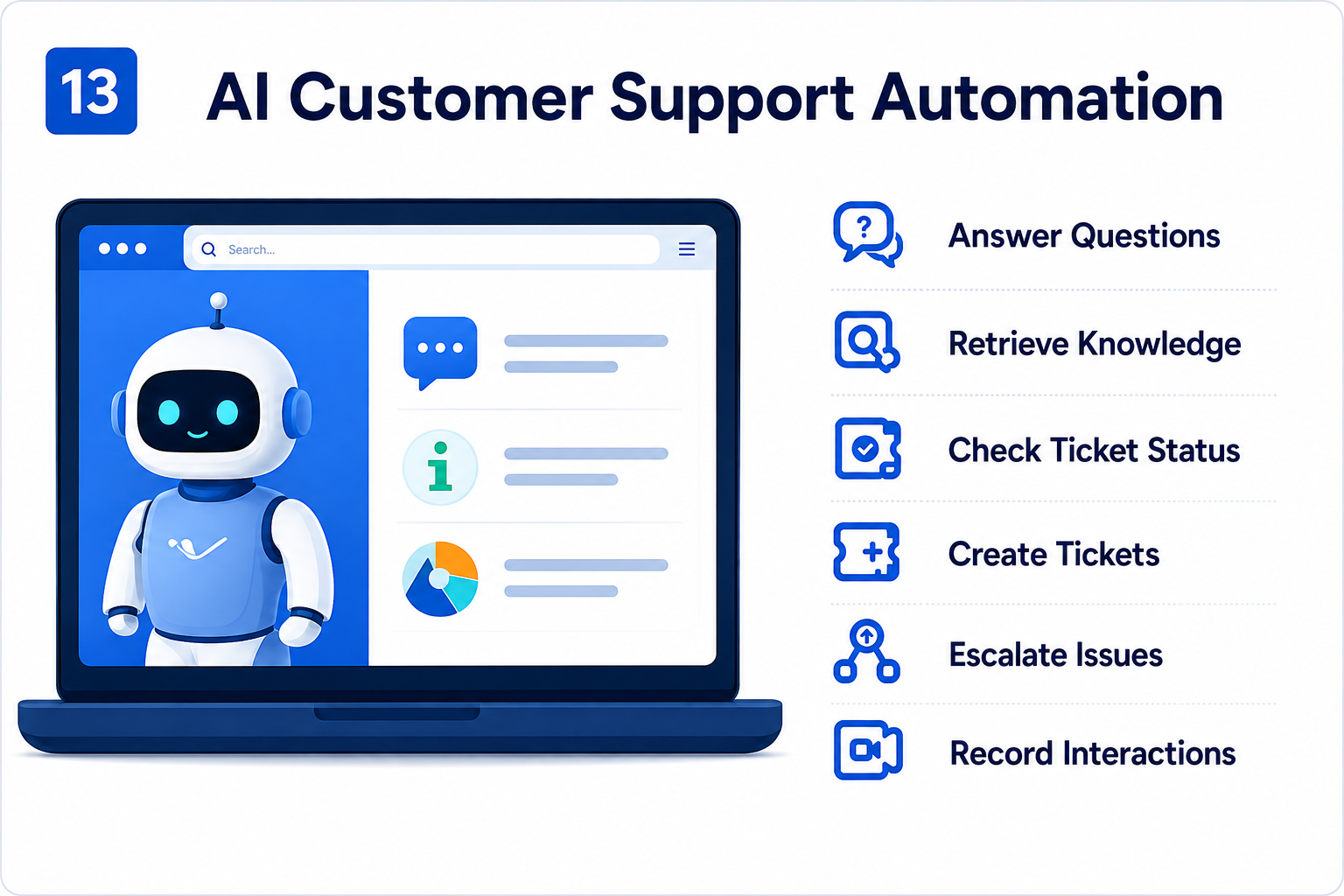
An AI support agent can answer common questions, search a knowledge base, identify customer issues, check ticket status, create support tickets, categorize problems and escalate complex cases.
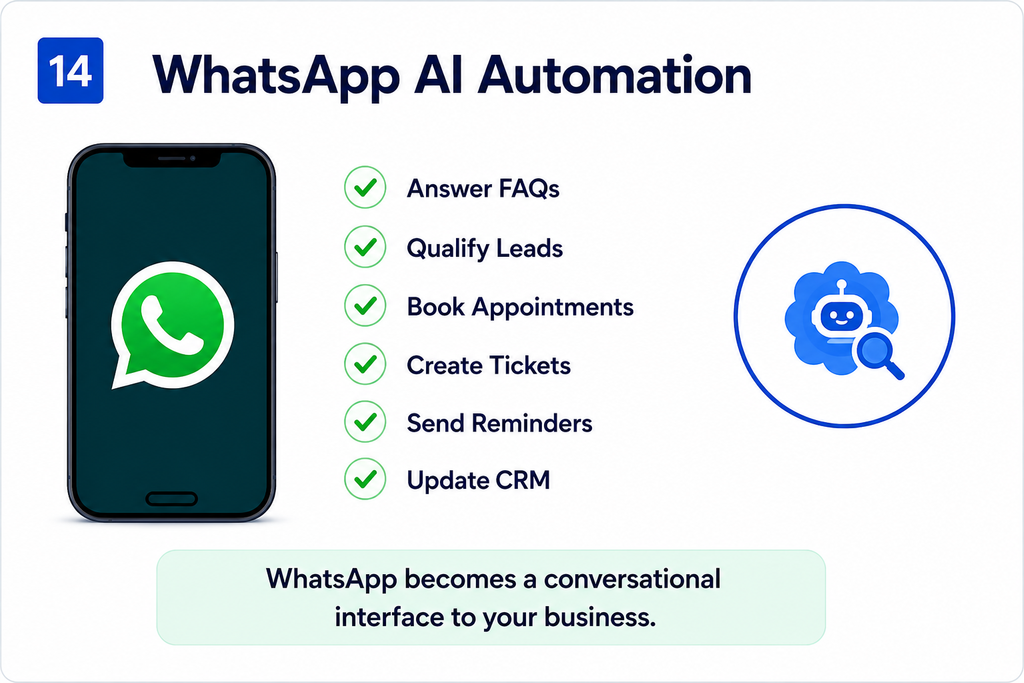
WhatsApp can become more than a communication channel. It can become a conversational interface to business operations.
A customer could ask a question, receive company information, submit requirements, book an appointment, receive confirmation and request support without switching between multiple systems.
AI automation can connect research, enrichment, qualification, CRM updates, outreach and follow-up into a single workflow.
For inbound leads, the agent can extract the service requested, capture contact information, classify the opportunity and route the lead to the appropriate team member.
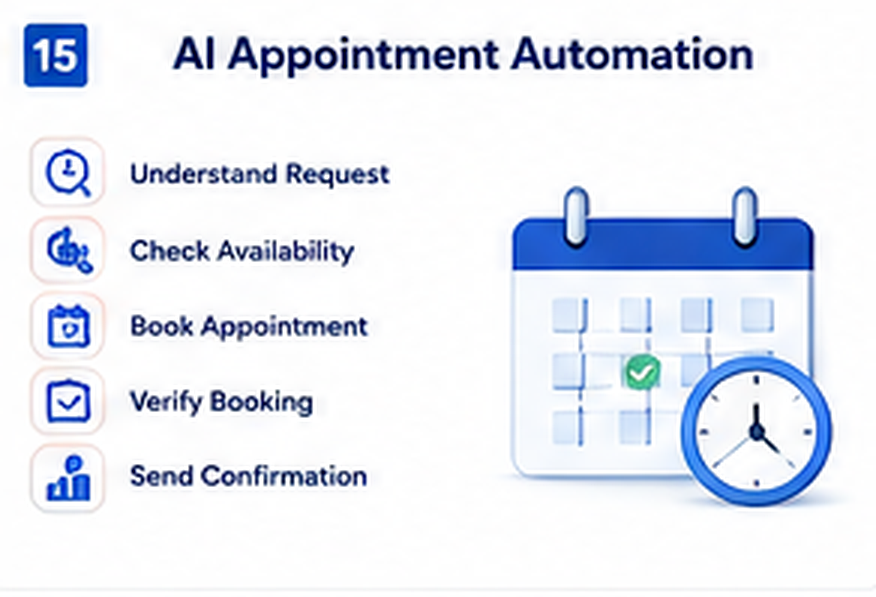
Appointment scheduling is a strong example of why agentic architecture matters. A reliable workflow should not simply generate a confirmation message; it should interact with the actual calendar and verify the result.
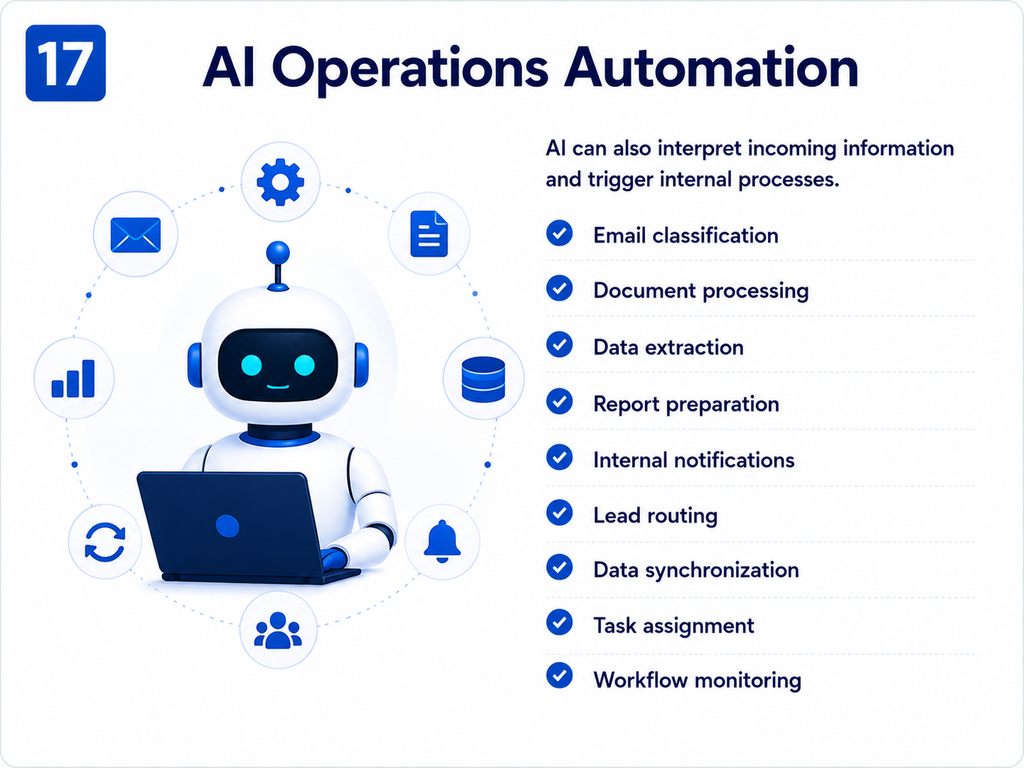
AI can also interpret incoming information and trigger internal processes.
Email classification
Document processing
Data extraction
Report preparation
Internal notifications
Lead routing
Data synchronization
Task assignment
Workflow monitoring
18. AI CRM Automation
CRM systems contain valuable information but often depend on manual updates. AI workflows can extract information from conversations, create leads, update records, categorize prospects and trigger follow-up actions.
Instead of treating the CRM as a separate destination, the CRM update becomes part of the workflow itself.
19. AI Document and Email Automation
Businesses receive large volumes of unstructured information through email and documents. AI can classify that information, extract relevant fields and trigger structured workflows.
A typical pattern is: Incoming Email or Document → Classify → Extract → Validate → Store → Trigger Workflow.
20. When Should a Business Use AI Automation?
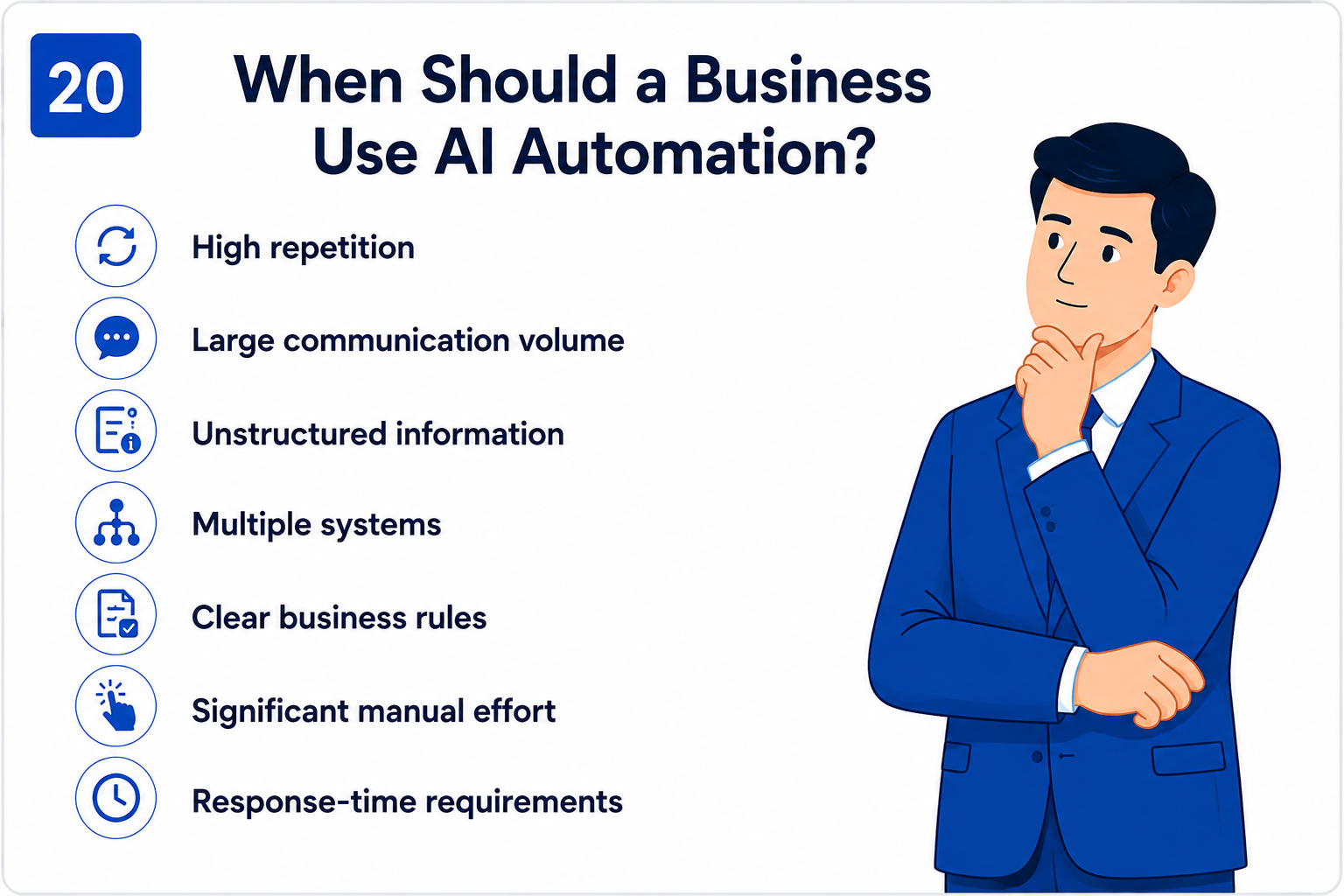
AI automation is strongest where repetition, communication volume, unstructured information and multiple systems create operational friction.
High repetition
High communication volume
Unstructured information
Multiple software systems
Clear business rules
Significant manual effort
Response-time requirements
Frequent data entry or handoffs
The more of these conditions a process has, the more likely AI automation is worth evaluating.
21.When AI Automation Isn’t the Right Fit
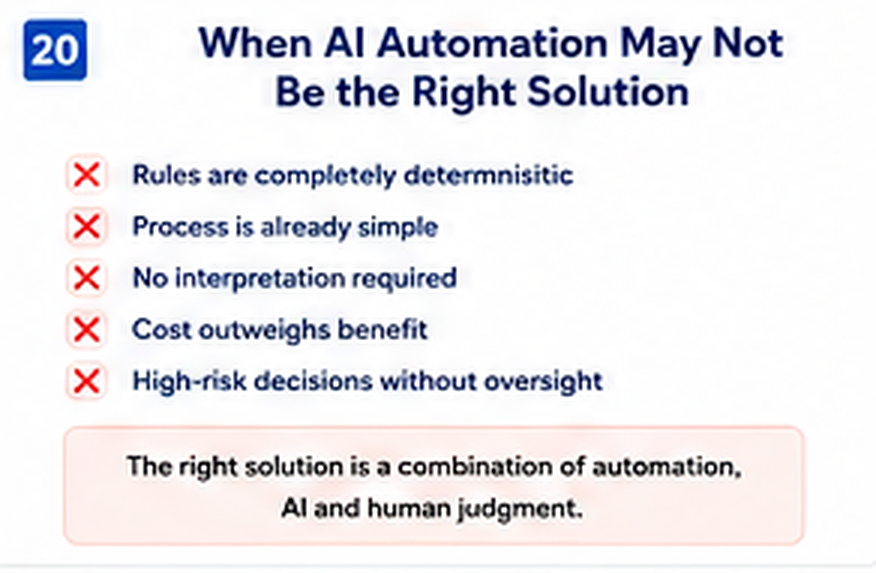
AI is not automatically the best solution for every process.
The rules are completely deterministic.
The process is already simple and fast.
No interpretation is required.
The cost of AI outweighs the expected benefit.
The process involves high-risk decisions that require human judgment.
Source data is too poor or inconsistent to support reliable automation.
The best strategy is often a combination of traditional automation, AI and human oversight.
22. How to Implement AI Automation
Successful implementation should begin with the business process, not with a decision about which AI model to use.
Identify the process.
Document the current workflow.
Identify bottlenecks and repetitive work.
Determine where AI adds measurable value.
Map databases, CRMs, APIs and communication platforms.
Design the workflow from input to outcome.
Define AI permissions and boundaries.
Add knowledge retrieval and memory where required.
Integrate the necessary tools and APIs.
Add verification and fallback paths.
Add human escalation for sensitive or uncertain cases.
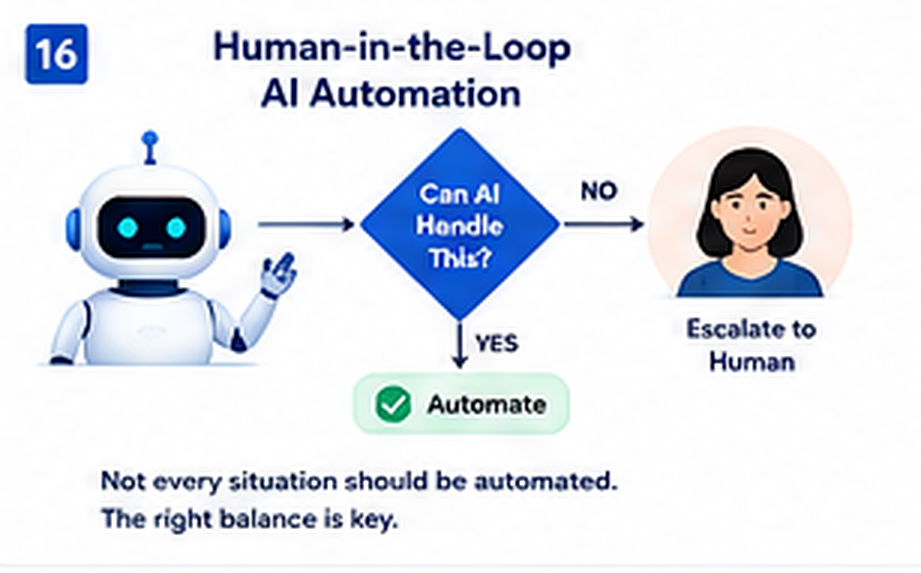
A good AI system should not attempt to automate everything. Some situations require human judgment, particularly where requests are sensitive, high-value, unusual or outside the agent’s authority.
Complex complaints
Sensitive account issues
High-value transactions or sales opportunities
Legal or policy exceptions
Unusual requests
Actions outside the agent’s permissions
Low-confidence or ambiguous cases
The goal is not maximum AI autonomy. The goal is controlled and useful autonomy.
24. AI Agent Guardrails and Verification
Giving an AI agent access to business systems introduces responsibility. The system needs clear boundaries.
Permission boundaries — define exactly what the agent can access.
Tool restrictions — make only appropriate tools available.
Confirmation rules — require explicit confirmation for selected actions.
Verification — check important actions against the source system.
Escalation — route uncertain or sensitive situations to a human.
Auditability — ensure important actions leave a trace.
A production AI agent should never be allowed to invent the result of an external operation.
25. Monitoring and Observability
An AI workflow can fail in ways that are invisible to the customer. An AI response may be correct while a CRM update, calendar operation or logging process fails in the background.
Execution or interaction ID
Customer/session identifier
Intent
AI response
Tools used
Execution status
Failed step
Error message
Processing duration
Business outcome
Observability allows teams to answer a crucial question: What actually happened during this AI interaction?
26. How Albanny Technologies Approaches AI Automation
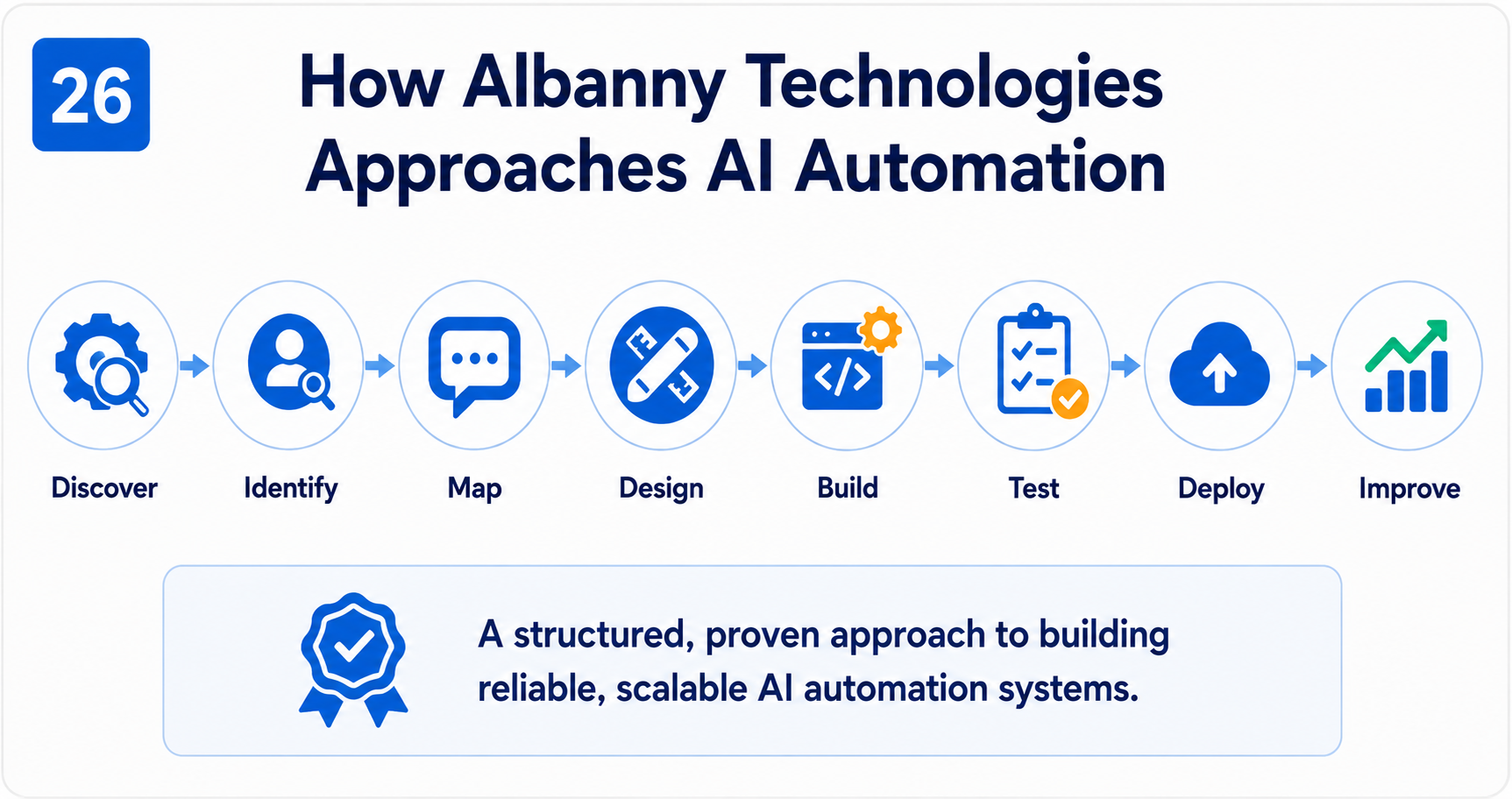
Albanny Technologies’ approach starts with the business process and moves through design, integration, guardrails, testing, deployment and continuous improvement.
At Albanny Technologies, we approach AI automation as a business and systems-engineering problem. We do not begin with “Which AI model should we use?” We begin with “What business problem are we trying to solve?”
Discover: Understand the existing business process.
Identify: Find repetitive, manual or decision-heavy activities.
Map: Document the systems, data and people involved.
Design: Determine where AI, automation and human intervention should each be used.
Integrate: Connect the required APIs, databases, CRMs and communication platforms.
Build: Develop the AI agent and workflow.
Guardrail: Define permissions, business rules and escalation conditions.
Verify: Ensure important actions produce reliable outcomes.
Test: Test normal and failure scenarios.
Deploy: Move the automation into the operational environment.
Monitor: Track workflow performance and failures.
Improve: Use real-world results to refine the system.
27. AI Automation Services by Albanny Technologies
Albanny Technologies’ AI automation capabilities include agents, WhatsApp automation, support, sales, RAG, agentic workflows, CRM/API integration and business process automation.
AI Agent Development: Intelligent agents that understand requests, retrieve information and use business tools.
WhatsApp AI Automation: AI-powered WhatsApp experiences for support, sales, lead qualification and business workflows.
AI Customer Support Automation: Knowledge-based support, ticket creation, issue classification and escalation.
AI Sales Automation: Lead qualification, enquiry handling, CRM updates and follow-up.
RAG Knowledge Systems: AI systems that retrieve relevant information from company documents and knowledge bases.
Agentic Workflow Development: Workflows where AI agents reason, use tools and execute controlled business processes.
CRM and API Automation: Connecting AI agents with CRMs, databases and third-party APIs.
Business Process Automation: Identifying repetitive processes that can be improved through AI and workflow automation.
AI Internal Assistants: Internal AI systems that help employees retrieve information and perform repetitive tasks.
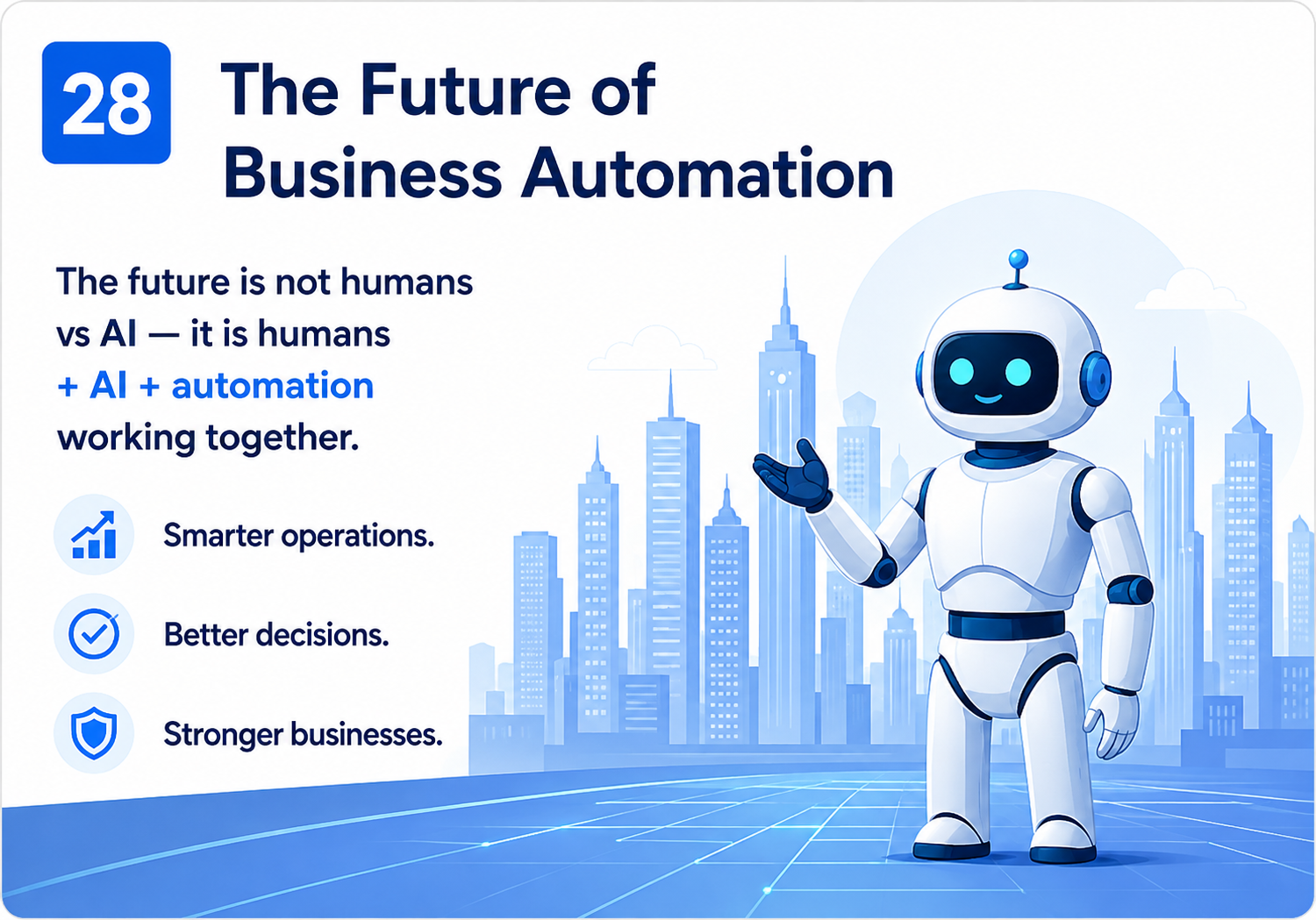
The next phase of business automation combines people, AI, automation and business systems.
Business automation is moving from simple task execution toward intelligent orchestration.
Traditional automation asks: “What rule should run when this event occurs?” AI automation can additionally ask: “What is happening, what does it mean, and what should happen next?”
Agentic workflows take that further by allowing AI systems to use tools and participate in controlled business processes.
The emerging architecture is therefore People + AI + Automation + Business Systems, rather than People versus AI.
Frequently asked questions cover AI automation, agents, agentic workflows, RAG, memory, integrations and business use cases.
What is AI automation?
AI automation combines artificial intelligence with workflow automation, business data, APIs and software systems to automate tasks that require interpretation, decision-making or intelligent responses.
What is an AI agent?
An AI agent is a system that can interpret a goal or request, reason about what needs to happen and use available tools or systems to accomplish the task within defined boundaries.
What is an agentic workflow?
An agentic workflow is an automation workflow in which an AI agent can interpret information, make contextual decisions and use tools to accomplish an objective.
What is the difference between AI automation and traditional automation?
Traditional automation primarily follows predefined rules. AI automation can interpret unstructured information and use AI-assisted decisions within a controlled workflow.
What is the difference between an AI agent and a chatbot?
A chatbot is primarily designed to communicate. An AI agent can communicate while also retrieving information, using tools and participating in business processes.
Can AI automate WhatsApp customer support?
Yes. AI-powered WhatsApp workflows can handle enquiries, retrieve knowledge, qualify leads, create support tickets, schedule appointments and escalate complex issues when appropriately designed.
Can AI agents connect to a CRM?
Yes. An AI agent can interact with a CRM through APIs or workflow integrations, subject to appropriate permissions and safeguards.
Can AI agents schedule appointments?
Yes. A properly designed workflow can collect appointment requirements, check calendar availability, create an event and verify the result before confirming it.
What is RAG in AI automation?
RAG, or Retrieval-Augmented Generation, allows an AI system to retrieve relevant information from an external knowledge source before generating a response.
Does an AI agent need memory?
Not every agent requires long-term memory. Conversational or task-based systems often benefit from appropriate context and memory mechanisms.
What businesses can benefit from AI automation?
AI automation can benefit businesses with repetitive processes, large communication volumes, manual data entry, multiple software systems, customer-support workloads, sales enquiries or operational bottlenecks.
Does Albanny Technologies build AI automation systems?
Yes. Albanny Technologies develops AI-powered automation systems, AI agents, WhatsApp automation, agentic workflows, RAG knowledge systems, AI customer-support solutions, sales automation and business process automation.
AI automation represents a shift in how businesses think about software.
The question is no longer simply: “Can AI answer our customers?” It is becoming: “What parts of our business can AI help us understand, coordinate and execute?”
The most useful AI automation systems combine several capabilities:
At Albanny Technologies, we believe the opportunity is not to add AI simply because AI is popular. The opportunity is to identify where intelligent automation can create measurable business value.
That might mean automating customer support, building an AI sales assistant, connecting WhatsApp to a CRM and appointment system, creating an internal AI knowledge assistant, or redesigning a repetitive business process around intelligent automation.
The right solution depends on the business. That is why AI automation should begin with the process, the people, the data and the desired outcome—not the AI model.
Ready to explore AI automation for your business? Albanny Technologies designs and develops AI automation systems, AI agents, agentic workflows, WhatsApp AI solutions, RAG knowledge systems and intelligent business process automation.